Video production · Make your story move
Let people see
what you’re all about.
Introduce your business, explain a service, or share a story worth watching. We help shape video around your audience and where it will be seen.
From the first idea to the final cut.
Overview
Make the right video for the right audience.
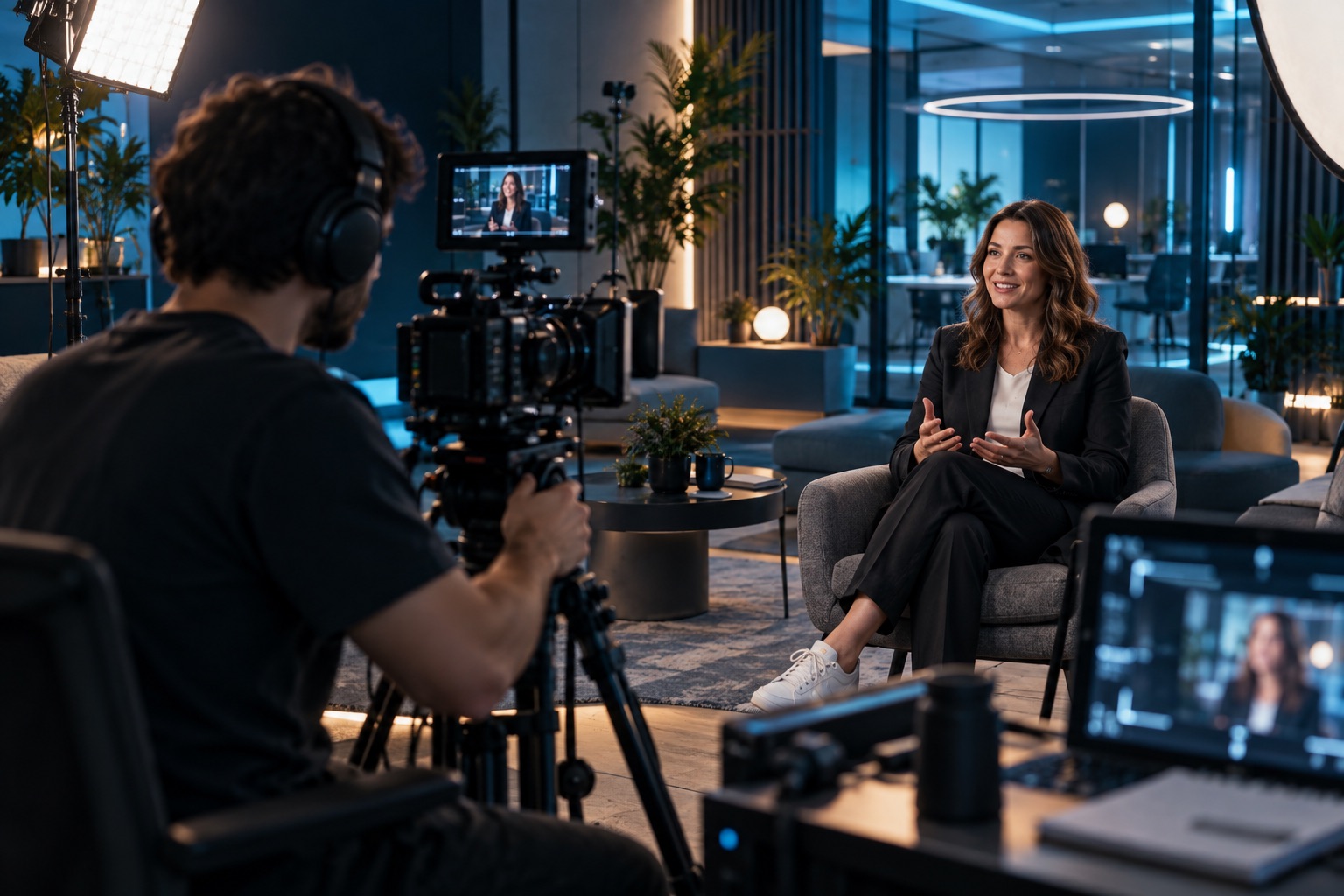
XMLA shapes production around the website, campaign, audience, channel, and final asset list.
Brand story
Introduce the company, service, founder, team, mission, or product with a clear video narrative.
Campaign video
Create launch, promo, announcement, social, ad, or landing-page video assets.
Production support
Plan shoots, locations, audio, graphics, edit flow, and deliverables before recording.
Web integration
Prepare video for pages, portfolios, hero sections, YouTube, social, and managed content workflows.
Video Player
Browse the video production library.
Filter XMLA video work by production category and review the type of media that can support websites, campaigns, and launches.




Process
From your first idea to media ready to share.
We’ll explain the plan, agree the priorities, and keep you involved as the work moves forward.
Plan the use
Clarify where the media will live and what it needs to accomplish.
Capture assets
Gather footage, photos, audio, interviews, locations, product visuals, or event moments.
Shape the edit
Build the story, sequence, sound, motion, graphics, and production finish.
Deliver formats
Export web, social, portfolio, presentation, and campaign-ready files.
Next step
Bring your next story to life.
XMLA can produce video that fits the brand, the platform, and the business goal.